The screenshot API for AI agents.
Ask your AI for a screenshot of a web page. It gets a clean image back in seconds, with no code to write.
50 free credits, used whenever you want.** 1 credit = 1 screenshot. With geo targeting = 2 credits.
 Claude
 ChatGPT
Claude Code
Codex
ChatGPT
Claude Code
Codex
 Cursor
 Gemini
 Windsurf
 GitHub Copilot
 VS Code
 Zed
Zed
 Cline
Cline
 DeepSeek
 Perplexity
 Mistral
 Kimi
Kimi
 Qwen
Qwen
 Replit
 v0
v0
 n8n
n8n
 Make
Make
 Zapier
 LangChain
 CrewAI
 Other MCP clients
 United States
 United Kingdom
 Germany
 France
 Spain
Spain
 Italy
Italy
 Netherlands
 Canada
 Australia
 Brazil
 Mexico
 Japan
Japan
 South Korea
 India
India
 Singapore
 Switzerland
 Sweden
 Poland
 Turkey
 United Arab Emirates
 South Africa
 Nigeria
 Argentina
 Indonesia
Set up in one line. MCP, CLI or API.
Pick your tool and copy one line. Then your agent can take screenshots on its own.
claude mcp add --transport http localscreenshot https://api.localscreenshot.com/mcp \
  --header "Authorization: Bearer $LOCALSCREENSHOT_API_KEY"
We only show a setup once we have checked it in the tool's own documentation. Until then, the REST API works today: one request, from the language or tool you already use.
$LOCALSCREENSHOT_API_KEY with your key. Get your key in your dashboard
Take clean screenshots. Switch off what gets in the way.
Choose what stays, what disappears and how the page looks. No code needed: just tell your agent.
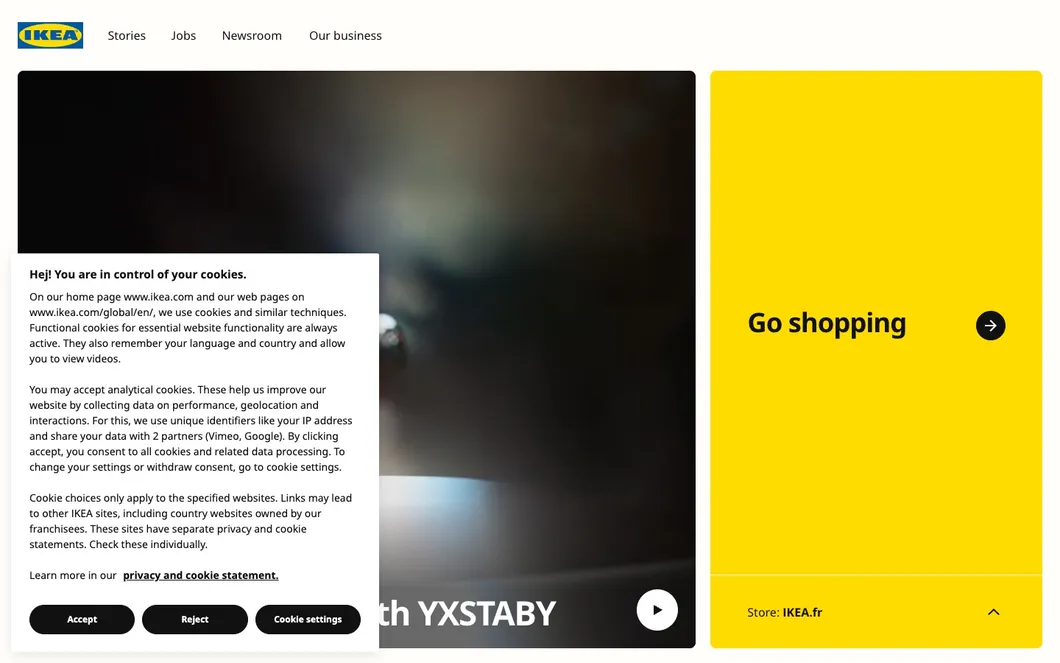
The picture shows the cookie banner switch on a real page. We remove most cookie banners, not every one. We only clean up pages you can already open: no paywalls, CAPTCHAs or sign-ins.
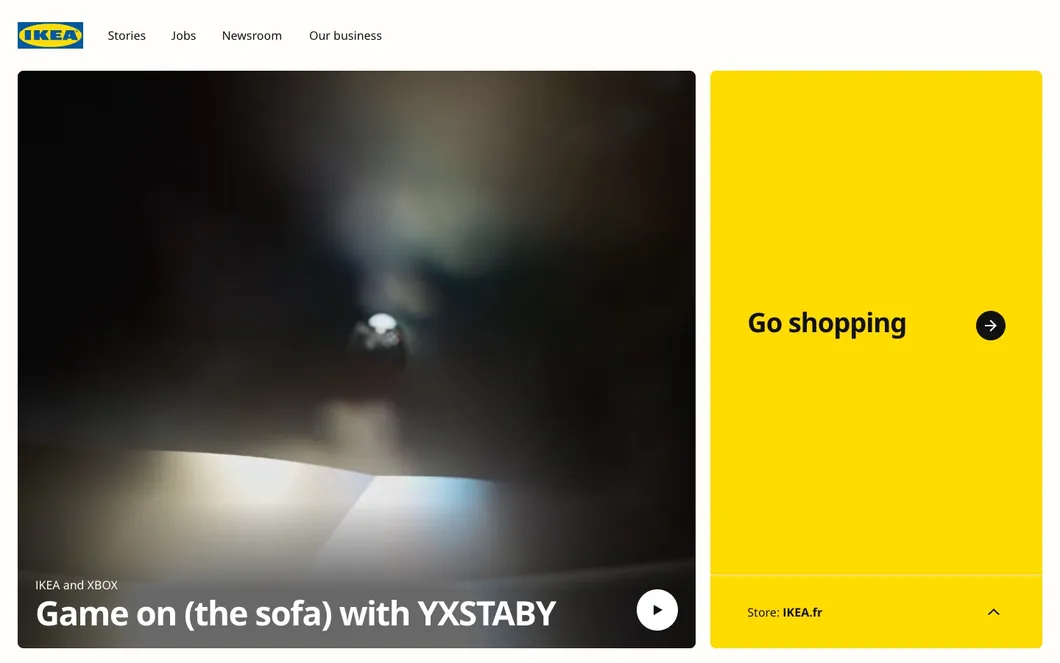
Desktop, tablet, phone, or just one element.
Desktops, laptops, tablets and phones come ready-made. Pick one by name, set your own size, or capture a single button or image.
-
viewport=1440x900captures what fits the screen you set -
full_page=truecaptures the full scrollable page, lazy images included -
device=iphone_15picks a ready-made phone, tablet or desktop -
selector=.ctacaptures one element. Or just describe it: “only the Sign up button”
Take a screenshot from another country.
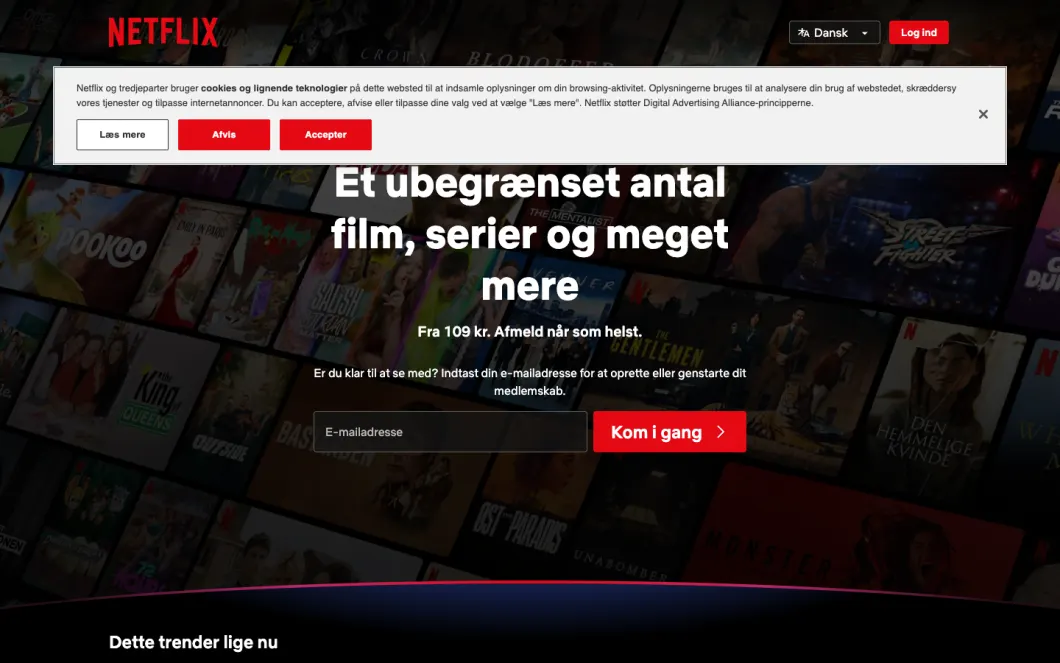
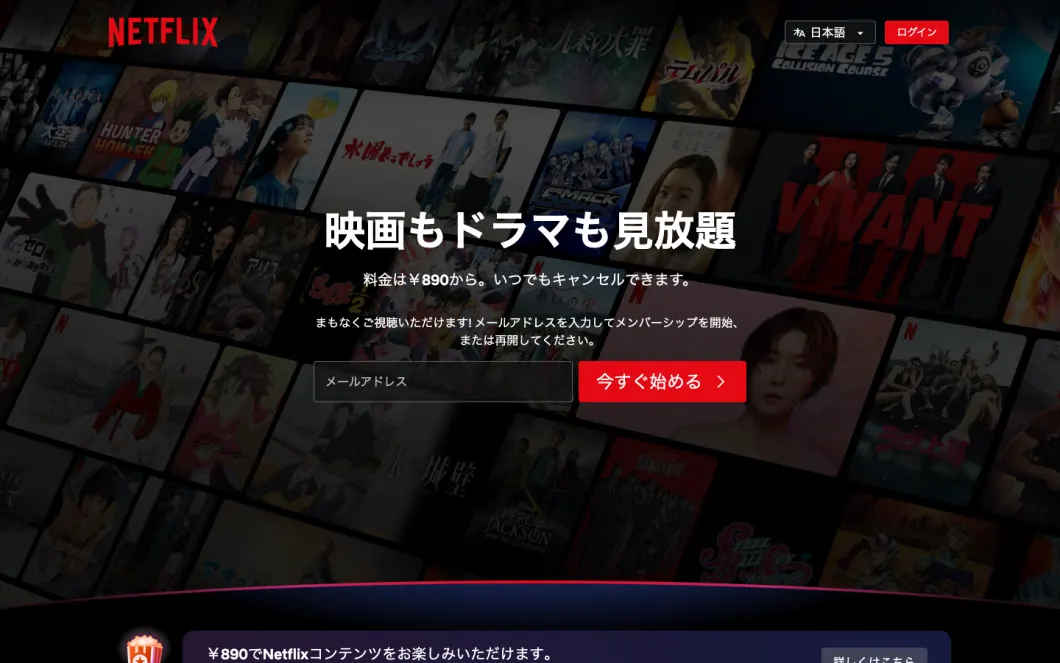
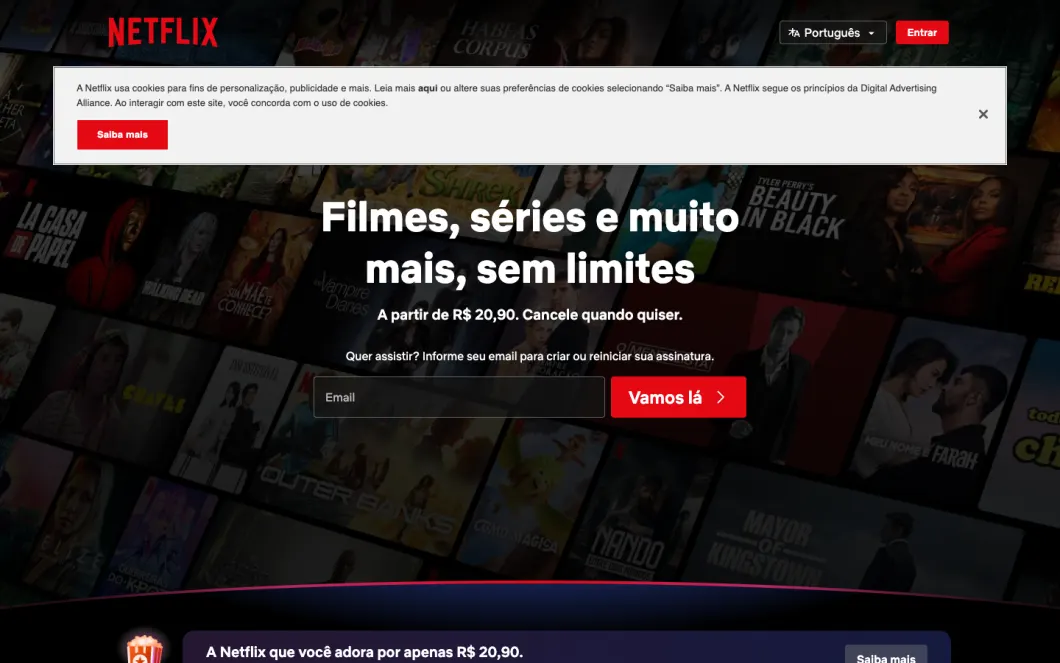
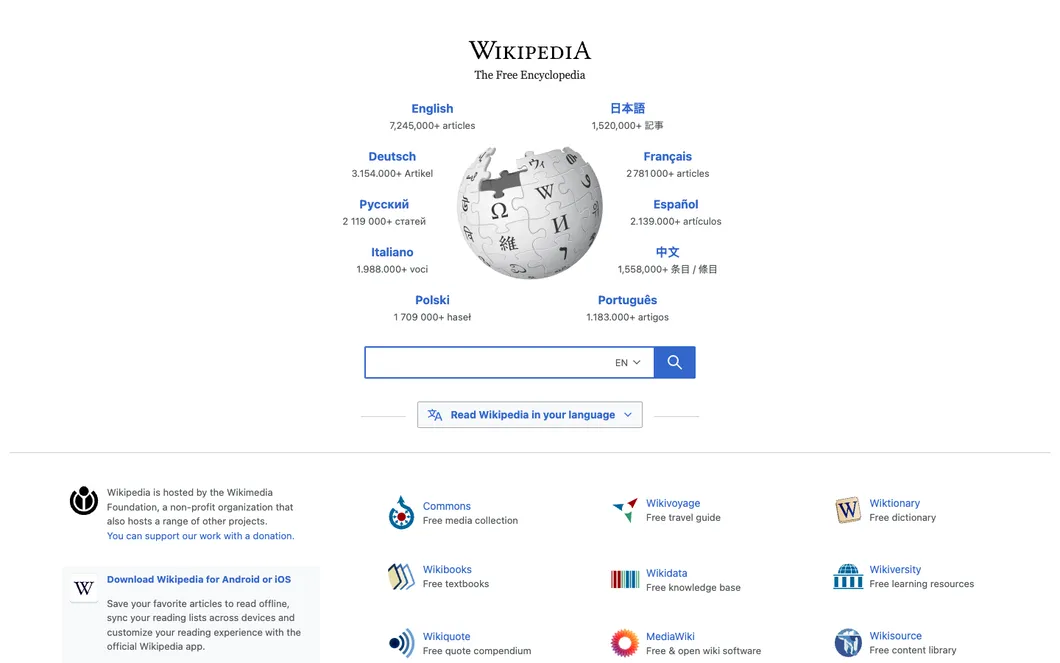
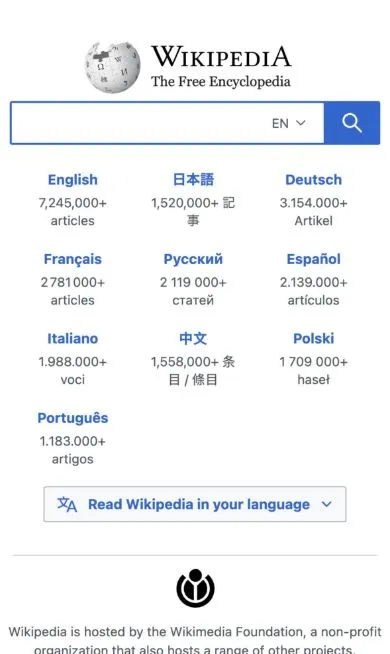
The same address, three countries, three different pages. Ask for a country and see what people there see.
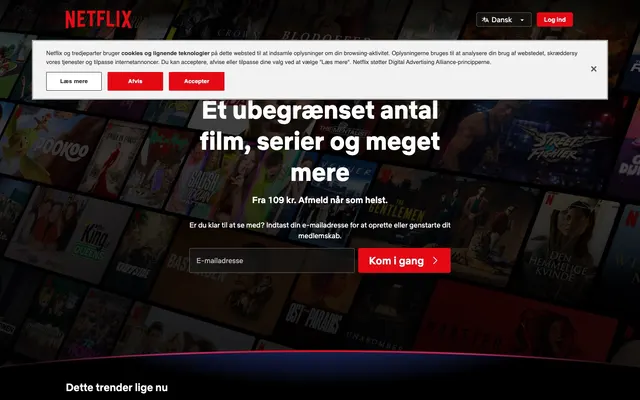
&country=DK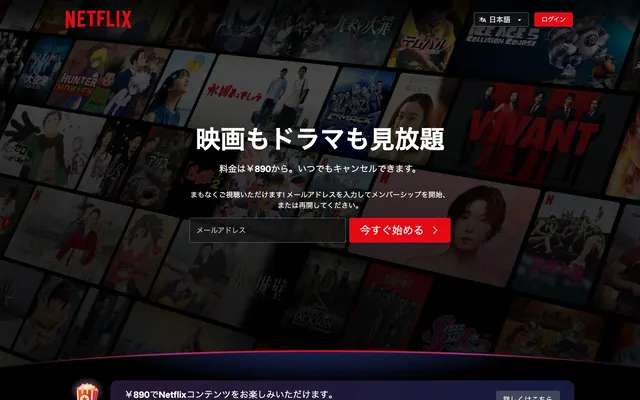
&country=JP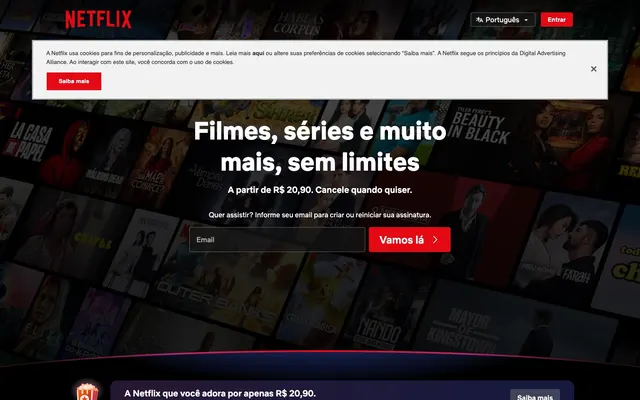
&country=BRReal screenshots of the same address, taken on 8 October 2026. The country shown is the one we observed when the page loaded.
A screenshot taken from a country comes with a signed record of where it was really loaded from. See all 227 countries
Try it now. One URL, one screenshot.
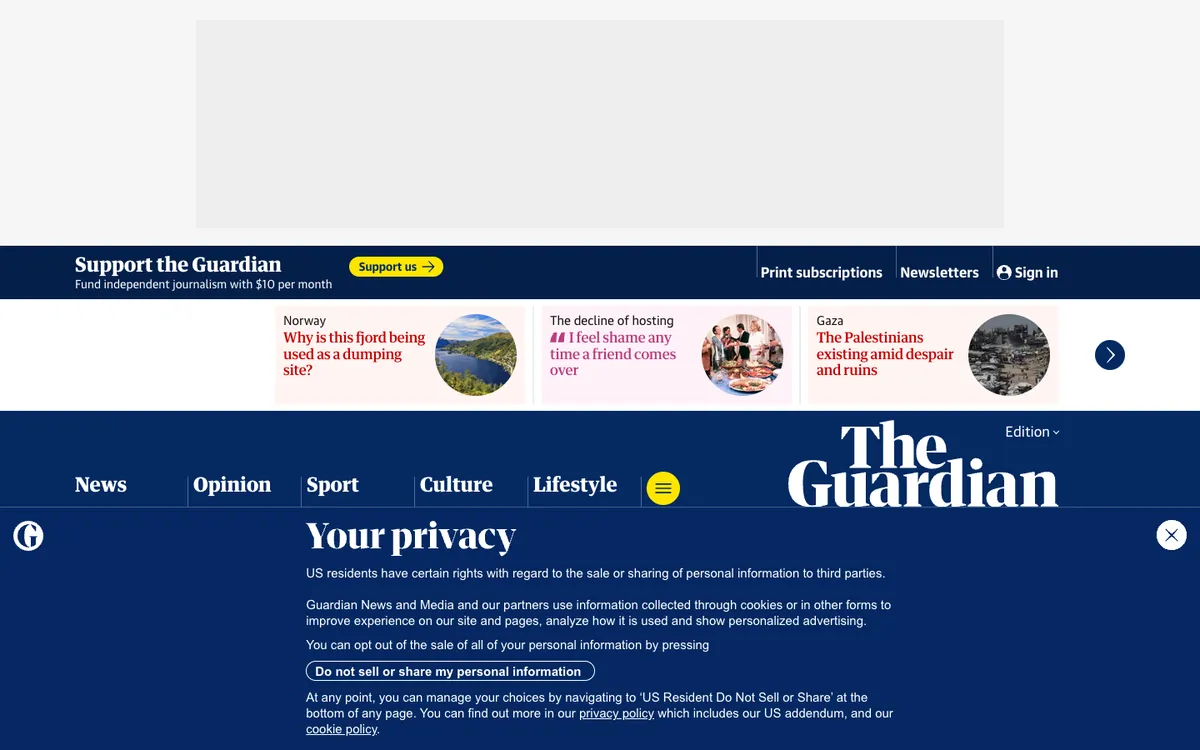
And a lot more. Just ask for it.
Tap what you need. The sentence writes itself, and your AI does the rest.
Take a screenshot of example.com, only the pricing table, on an iPhone, in dark mode and save it as a PDF.
What to capture
When
How it looks
What comes back
Save it as
What we do not do: solve CAPTCHAs, or get past paywalls and sign-ins. You get a clear error instead.
What agents and teams do with localscreenshot.
Let your agent check its own work
It builds a page, takes a screenshot, sees what is off and fixes it before you look.
Visual QA after every deploy
Capture your key pages on each release, on desktop and phone, and compare with the last run.
Watch a page for changes
Pricing pages, listings, terms. Your agent looks again tomorrow and tells you what moved.
Previews and thumbnails
Link cards, directory listings, social images. Clean captures, with most cookie banners removed.
Keep a record of a page
Capture a page as it looked on a given day, with the time and the country it was taken from.
See it from another country
Check a geo-block, a redirect, a price or a consent banner the way visitors there get it.
Pay for what you capture. Slide to your volume.
One plan, the same options at every size. Start with 50 free credits, no card.
5,000 screenshots a month, or 2,500 with geo targeting.
Typical forSmall products
$0.0070 per credit
- 5,000 credits every month Monthly credits reset each month. Your 50 signup credits and pack credits do not expire. 1 credit = 1 screenshot, 2 from a chosen country.
- REST API, MCP server and command line
- The same options at every size
- No surprise bill: top up with a pack, or stop
1 credit = 1 screenshot, 2 from a chosen country. Your 50 signup credits do not expire. Monthly credits reset each month. Pack credits do not expire. Prices excl. VAT.
Give your agent eyes. Start with one URL.
50 free credits, used whenever you want. Connect the MCP server and ask in one sentence.